


In a Rush?
Best Ways to Stay Connected in New Zealand
- ⭐⭐⭐ Airalo New Zealand eSIM – Best value, set up before you fly
- ⭐⭐ Spark Prepaid SIM – Best coverage including rural areas
- ⭐ One NZ (Vodafone NZ) SIM – Good alternative with competitive pricing
Getting internet new zealand travellers rely on is worth planning ahead, especially outside the main cities.
New Zealand is built for road trips. Whether you are driving a campervan from Auckland to Queenstown, hiking the Tongariro Alpine Crossing, or cruising Milford Sound, staying connected means you can navigate safely, share photos instantly, and book accommodation on the move. We believe the key to good connectivity in New Zealand is understanding the terrain — coverage is excellent on the North Island and along the South Island's east coast, but it thins out quickly in the mountains and along remote stretches of the West Coast. This guide covers every option so you can choose what works best for your itinerary.
At a Glance: Internet New Zealand Travellers Need
This table summarises the internet new zealand travellers options covered in this guide.
| Question | Quick Answer |
|---|---|
| Best overall option | Spark prepaid SIM or One NZ tourist pack for campervan trips; eSIM for city-only visits |
| Main networks | Spark, One NZ (formerly Vodafone), 2degrees, Skinny |
| Coverage leader | Spark (strongest in remote South Island areas) |
| eSIM support | Available via Airalo, Roafly, Holafly, Simify, TravelKon |
| Registration required | Yes, passport required to buy any local SIM in New Zealand |
| 5G available | Yes, in Auckland, Wellington, Christchurch, and Queenstown |
| Average price | $5–$20 NZD for a starter SIM with 1–5 GB data |
Why Internet Matters in New Zealand
New Zealand's tourism revolves around self-drive travel. Most visitors rent a campervan or car and cover hundreds of kilometres across both islands. That means you need data for real-time navigation, weather updates in mountain passes, and booking last-minute Department of Conservation campsites — which are often the only accommodation available in popular areas like Abel Tasman or Franz Josef.
We recommend having data from day one because even picking up a rental car requires GPS navigation to reach your first accommodation. Free WiFi exists in cities but is inconsistent on the road. Many rural cafes and petrol stations have no public WiFi at all, and even when they do, it is often slow or capped.


Your Internet Options
Travellers to New Zealand have four main ways to stay connected: buying a local prepaid SIM card, using an eSIM before arrival, renting a pocket WiFi device, or relying on international roaming. Each suits a different style of travel.
Local Prepaid SIM Cards
Buying a SIM from one of New Zealand's mobile providers is the cheapest way to get large amounts of data with the best possible coverage. The country has four major networks, though most tourists choose between Spark and One NZ.
| Network | Strength | Weakness | Best For |
|---|---|---|---|
| Spark | Widest rural coverage, best in South Island mountains and Fiordland | Slightly pricier data | Campervan trips, road trips, remote hiking |
| One NZ | Fastest 5G in cities, strong North Island coverage | Weaker in deep South Island valleys | City stays, North Island driving |
| 2degrees | Cheapest plans, unlimited data cap options | Patchy rural coverage, relies on roaming in some areas | Budget travellers staying in towns |
| Skinny | Ultra-cheap data, Spark's network backbone | Online-only setup, no physical stores | Budget travellers who can self-activate |
We think Spark is the safest choice for most visitors because it has the widest coverage across both islands, including the remote stretches of the South Island's West Coast where other networks drop out. One NZ is excellent if your trip is focused on Auckland, Wellington, and the North Island. Skinny is unbeatable for budget — a $17 NZD prepaid pack gives you 1.5 GB of data and unlimited calls, and it runs on Spark's towers.
How to Buy a Local SIM
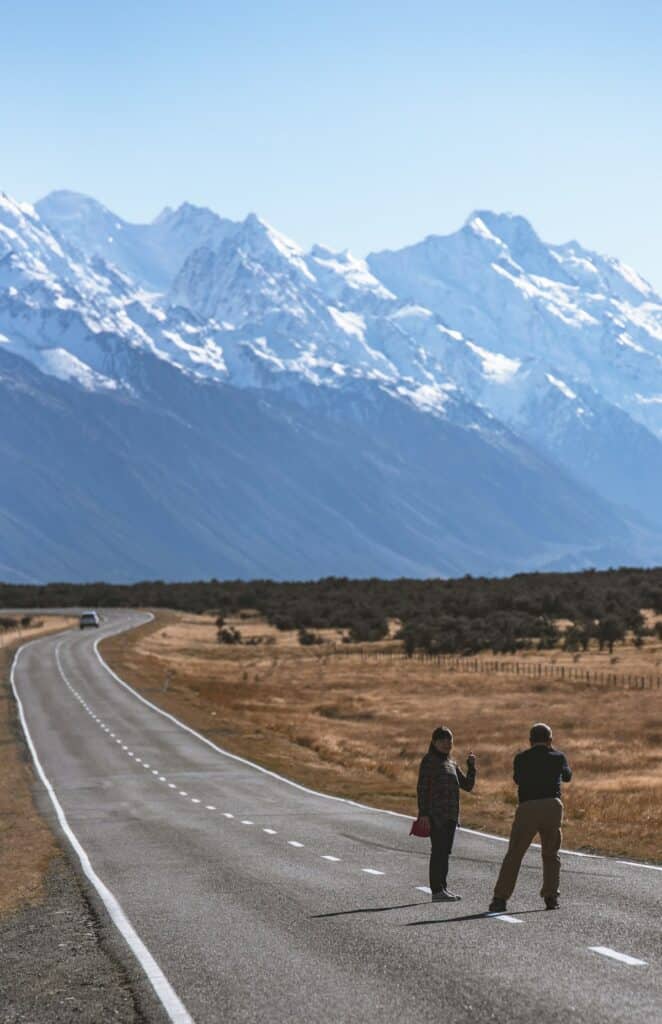

At the airport. Both Auckland and Christchurch airports have Spark, One NZ, and 2degrees kiosks in the arrivals halls. Prices are standard — New Zealand does not inflate airport SIM prices the way some other countries do. Staff can set up your phone and explain coverage. We recommend this for convenience, especially if you are picking up a rental car immediately.
In the city. Official stores are in every major shopping centre. Spark and One NZ stores in Auckland's Queen Street, Wellington's Lambton Quay, and Christchurch's Riccarton Mall offer the full range of prepaid packs. Bring your passport; registration is completed on the spot.
Online. Skinny operates entirely online. You order a SIM on their website, it is delivered to your accommodation, and you activate it via the Skinny app. This is great for budget travellers who plan ahead, but less convenient if you need data the moment you land.
Registration Requirements
New Zealand requires all SIM cards to be registered with a valid passport or New Zealand driver's licence. This law applies to everyone — tourists included. The process takes two to three minutes at the point of sale. Airport kiosks and city stores handle it instantly. Keep your original passport handy.
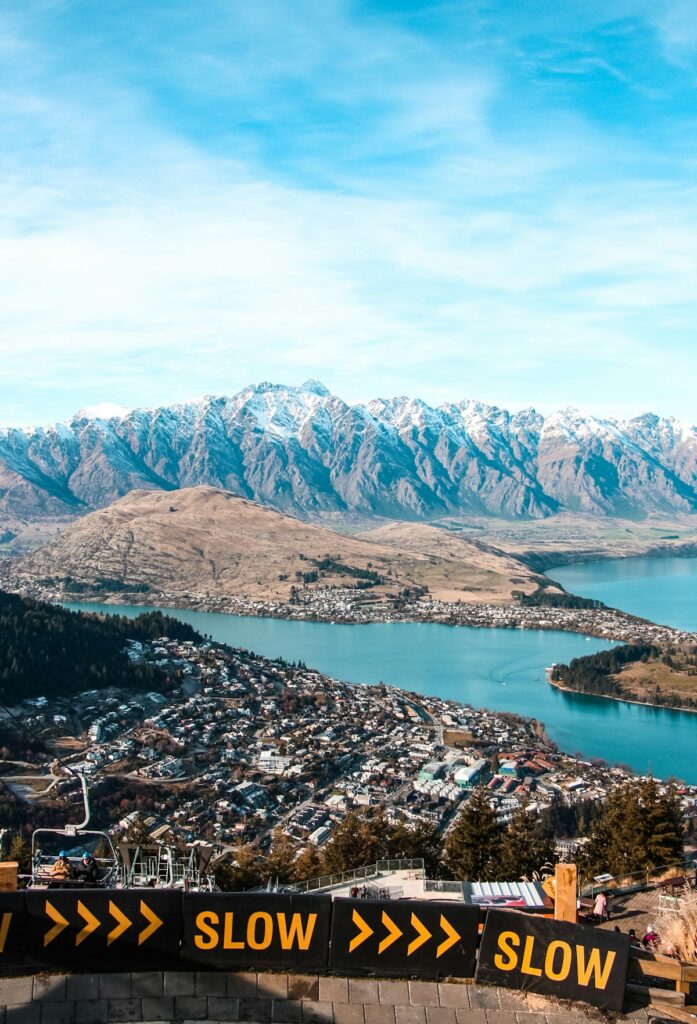
Typical Prices (2026)
| Package | Network | Data | Price (NZD) | Price (USD) |
|---|---|---|---|---|
| Spark tourist pack | Spark | 1 GB + calls | ~$19 NZD | ~$11 |
| One NZ prepaid | One NZ | 1.5 GB | ~$19 NZD | ~$11 |
| 2degrees prepaid | 2degrees | 1.2 GB | ~$17 NZD | ~$10 |
| Skinny prepaid | Skinny (Spark) | 1.5 GB | ~$17 NZD | ~$10 |
| Spark 5 GB top-up | Spark | 5 GB | ~$30 NZD | ~$18 |
| One NZ 10 GB pack | One NZ | 10 GB | ~$40 NZD | ~$24 |
All providers offer larger data packs for heavy users, and top-ups are easy via apps or short-code dialling. Spark and One NZ both have tourist-specific starter packs that include a SIM, a data bundle, and sometimes free calls or texts back home.
eSIMs for New Zealand
If you want to skip the airport queue entirely, an eSIM is the smoothest option. You purchase before departure, receive a QR code, and activate the moment your plane lands. No passport checks, no store visit, no registration paperwork.
| Provider | Plan | Data | Price (USD) |
|---|---|---|---|
| Airalo (Mosalink) | 7 days | 1 GB | ~$4.50 |
| Roafly | 10 days | 5 GB | ~$12 |
| Holafly | 7 days | Unlimited | ~$19 |
| Simify | 15 days | 10 GB | ~$25 |
| TravelKon | 30 days | 10 GB | ~$22 |
The main eSIM providers for New Zealand include Airalo, Roafly, Holafly, Simify, and TravelKon. Coverage depends on which local network the eSIM roams on — most use Spark or One NZ, so quality is generally high in cities and along major highways.
We recommend eSIMs for short city-focused trips or as a secondary data source alongside a local SIM. If you are doing a two-week campervan trip through the South Island, a local Spark SIM is the safer bet because it gives you full access to Spark's rural network, which has the best coverage on the remote West Coast and around Milford Sound.


Pocket WiFi Rental
Pocket WiFi devices are available for rent at Auckland and Christchurch airports, or online through companies like TravelWiFi and New Zealand Pocket WiFi. A device costs roughly $8–$15 NZD per day and provides a shared WiFi signal for multiple phones, tablets, or laptops.
This option works well for families or groups travelling together who want to share one data plan. The downside is the extra device to charge and carry, plus the fact that coverage is still limited by the cellular network the device connects to. We think a pocket WiFi is unnecessary for most travellers in New Zealand — local SIMs and eSIMs are cheaper and simpler.
International Roaming
Roaming with your home carrier is the easiest but most expensive option. US carriers typically charge $12–$15 per day for New Zealand roaming. Some UK and European carriers include New Zealand in their roaming agreements, though data caps are often low. We believe roaming only makes sense for very short trips of two to three days. For anything longer, a local SIM saves a significant amount of money.
Coverage: Where You Will and Will Not Have Signal
New Zealand's mobile coverage is excellent in cities, along major highways, and in most towns. The challenge is the terrain — mountains, fjords, and dense forest block signals in some of the country's most beautiful areas.
North Island Coverage

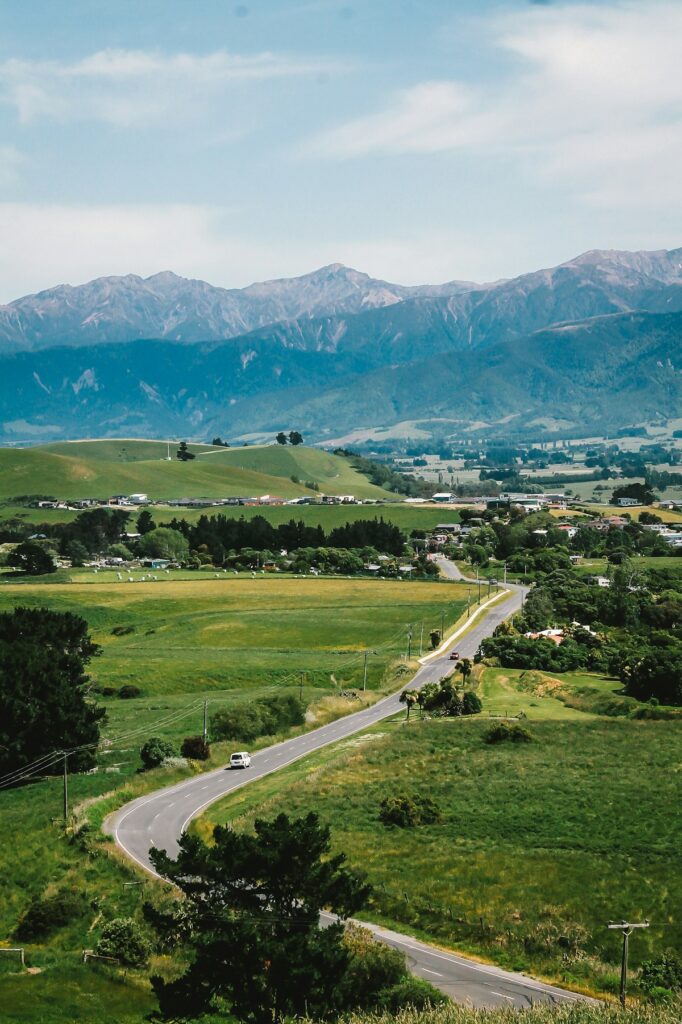
Spark, One NZ, and 2degrees all provide solid 4G coverage across the North Island. Auckland, Wellington, Tauranga, Hamilton, and Rotorua have 5G. The drive from Auckland to Rotorua, Wellington to Napier, and around the Coromandel Peninsula is well covered by all networks.
Tongariro National Park has signal at the visitor centres and along the main roads but limited coverage on the Tongariro Alpine Crossing itself. Download offline maps before starting the hike.
South Island Coverage
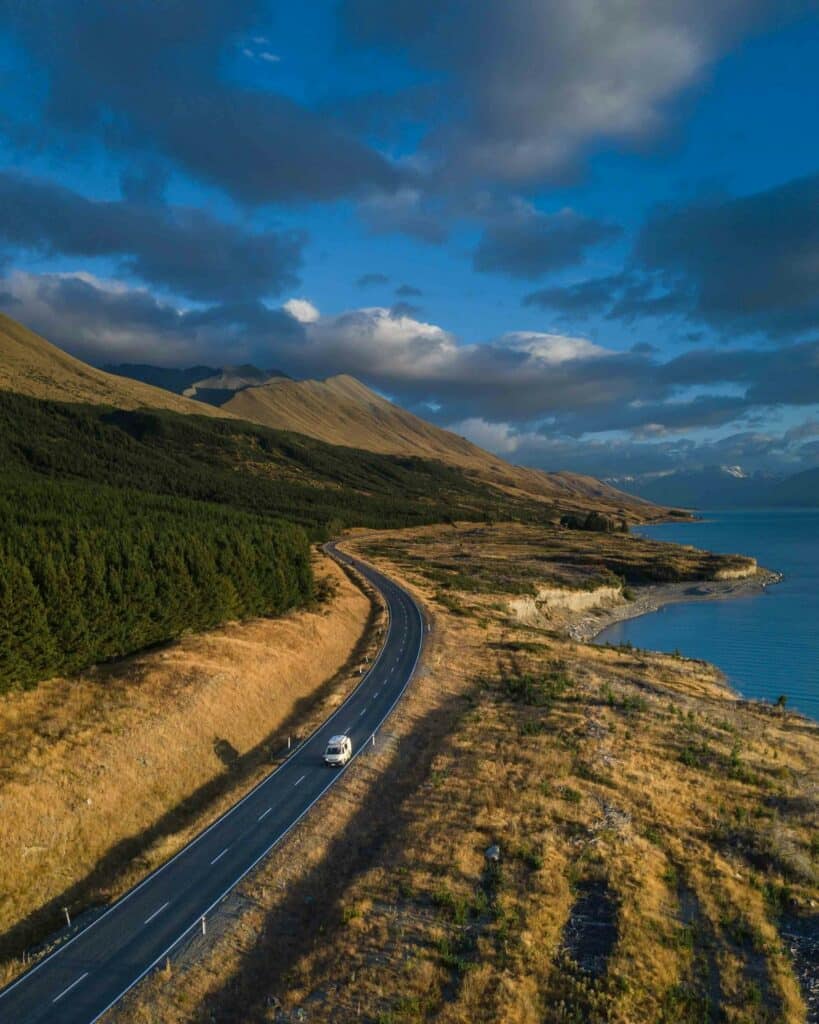
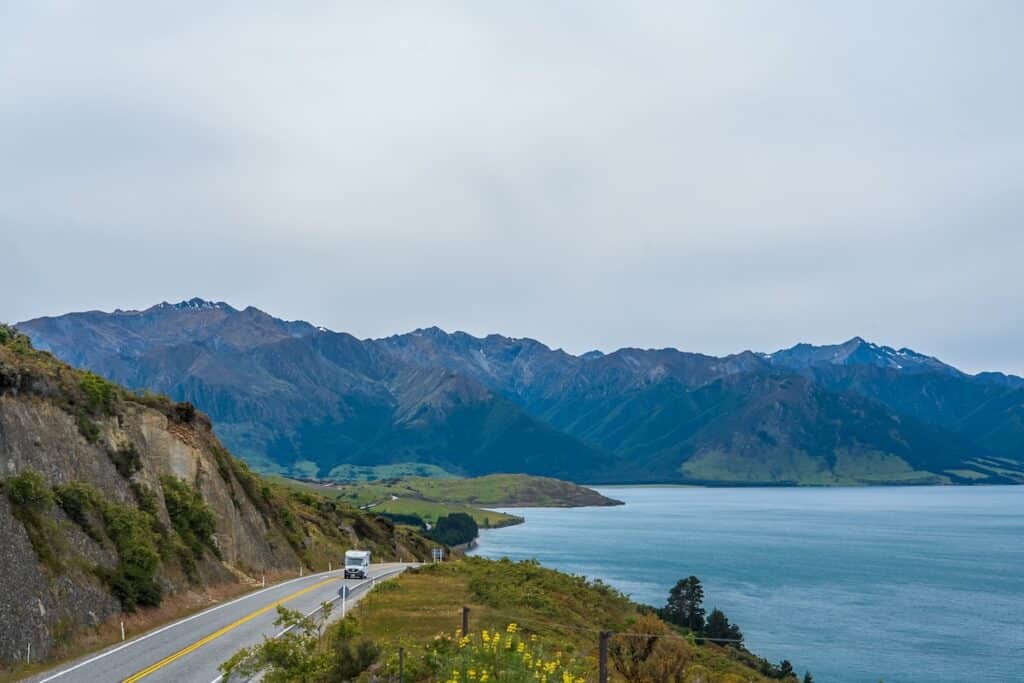
This is where the choice of provider matters. Spark has the strongest South Island network, with usable coverage along the West Coast (Greymouth to Haast), through Arthur's Pass, and around Milford Sound's access road. One NZ covers the main highways well but drops out sooner on secondary mountain roads. 2degrees has decent coverage on the east coast (Christchurch to Dunedin to Queenstown) but is weaker in the interior.
Well-covered areas: Queenstown, Wanaka, Christchurch, Nelson, Dunedin, and the entire east coast from Picton to Invercargill.
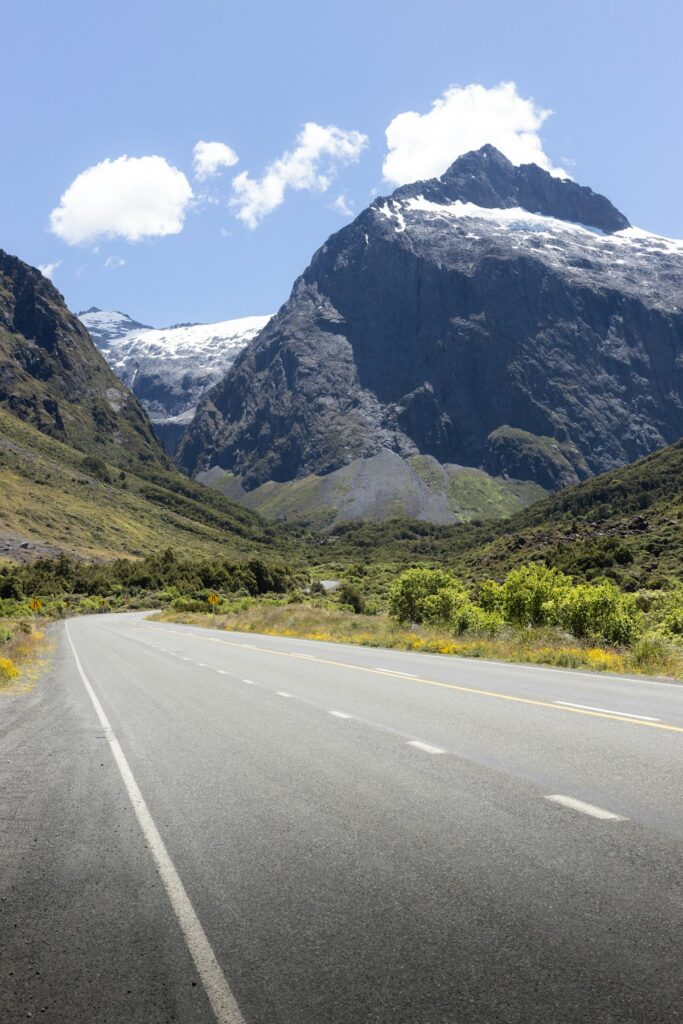
Patchy areas: Milford Sound (no coverage at the sound itself, limited on the access road), the Haast Pass, Arthur's Pass, and the Catlins. The road from Queenstown to Glenorchy has limited coverage. The Heaphy Track and other Great Walks have no signal for most of their length.
We recommend Spark if your itinerary includes:
- The West Coast from Franz Josef to Haast
- Milford Sound or Doubtful Sound
- Arthur's Pass or Lewis Pass
- The Catlins region
- Any of New Zealand's Great Walks (for pre-trip planning, not on-track coverage)
DOC Huts and Wilderness Areas
New Zealand's Department of Conservation maintains over 900 backcountry huts and campsites. Almost none have mobile coverage. If you are planning multi-day hikes on the Milford Track, Routeburn Track, or Abel Tasman Coast Track, expect zero signal once you leave the trailheads. Download offline maps, inform someone of your itinerary, and carry a personal locator beacon for emergencies.


Internet on the Interislander and Bluebridge Ferries
The ferry crossing between the North Island and South Island takes roughly three to four hours. Both Interislander and Bluebridge ferries offer onboard WiFi, though it is generally slow and capped. Mobile coverage is intermittent in the Marlborough Sounds but returns once you approach Picton. We recommend downloading entertainment before boarding rather than relying on ferry WiFi for streaming.
Campervan and Road Trip Connectivity


Most campervan rental companies in New Zealand provide a basic data allowance or recommend a local SIM at pickup. If you are self-driving, your phone's hotspot is usually enough for navigation and occasional browsing. However, South Island mountain passes can have long stretches with no signal at all.
We recommend downloading offline Google Maps for the entire country before you leave your accommodation each morning. This ensures navigation continues even when you lose signal on the road between towns. Spotify and podcast apps should also be set to offline mode for entertainment during long drives.
WiFi in New Zealand
Free WiFi is available in most hotels, motels, hostels, and many cafes in Auckland, Wellington, Christchurch, and Queenstown. McDonald's, Starbucks, and libraries offer reliable connections. However, rural cafes and petrol stations often have no WiFi at all, or it is limited to 30-minute sessions with a purchase.
DOC campsites do not have WiFi. Some privately run holiday parks offer it, but speeds vary and it is often metered. Do not rely on public WiFi as your primary internet source in New Zealand.


How Much Data Do You Need in New Zealand?
| Trip length | Light use (maps, messaging) | Moderate use (social media, browsing) | Heavy use (video, hotspot) |
|---|---|---|---|
| 3–5 days | 1–2 GB | 3–5 GB | 5–10 GB |
| 1 week | 3–5 GB | 5–10 GB | 10–20 GB |
| 2 weeks | 5–10 GB | 10–20 GB | 20+ GB |
| 1 month | 10–20 GB | 20–40 GB | Unlimited or 50+ GB |
Light use means offline maps, WhatsApp text, and occasional email. Moderate use adds Instagram posting, web browsing, and booking changes. Heavy use includes video streaming, uploading large files, and tethering a laptop.

Step-by-Step: Buying a Local SIM in New Zealand
- Bring your passport to an official Spark, One NZ, or 2degrees store or airport kiosk.
- Ask for a prepaid tourist SIM — they will know which pack suits travellers.
- Complete registration — the seller scans your passport and registers the SIM.
- Choose a data bundle based on your trip length.
- Insert the SIM and restart your phone.
- Configure the APN if data does not work immediately:
- Spark: APN = internet
- One NZ: APN = internet
- 2degrees: APN = internet
- Skinny: APN = internet
- Test the connection before leaving the store.
- Download offline maps for your planned driving routes.
Frequently Asked Questions
Which SIM card is best for tourists in New Zealand?
Spark is the best choice for most tourists because of its superior rural and South Island coverage. One NZ is excellent for North Island city trips. Skinny is the best budget option, running on Spark's network at a lower price.
Do I need a passport to buy a SIM in New Zealand?
Yes. All SIM purchases require registration with a valid passport. The process takes two to three minutes at the point of sale.
Is there 5G in New Zealand?
Yes, in Auckland, Wellington, Christchurch, Queenstown, and Hamilton. Most tourist phones will connect to 4G, which is fast enough for all normal travel use.
Does WhatsApp work in New Zealand?
Yes. WhatsApp calls, video calls, and messaging all work normally. New Zealand has no restrictions on VoIP services.
Can I buy a SIM at Auckland Airport?
Yes. Auckland Airport has Spark, One NZ, and 2degrees kiosks in the international arrivals hall. Registration is completed on the spot.
Are eSIMs better than physical SIMs in New Zealand?
They are more convenient but more expensive. eSIMs suit short city trips. Local SIMs are better for campervan travel, multi-week trips, and South Island exploration.
How much does a SIM card cost in New Zealand?
A starter prepaid SIM with 1u20131.5 GB of data costs $17-$19 NZD (~$10-$11 USD). Larger packs with 5-10 GB cost $30-$40 NZD (~$18-$24 USD).
Will I have signal on the Tongariro Crossing?
Limited. There is signal at the trailheads and some sections of the crossing, but coverage is patchy on the alpine sections. Download offline maps before starting.
Is there mobile coverage at Milford Sound?
No. Milford Sound itself has no mobile coverage. There is limited signal on the access road from Te Anau, but once you reach the sound, expect no connectivity until you drive back out.
Can I use my home phone in New Zealand?
Yes, if it is unlocked and supports GSM networks. New Zealand uses the same bands as Australia and most of Asia. Most modern smartphones work without issues.
Final Thoughts
Getting internet new zealand travellers can rely on is one of the easier logistics to sort out before your trip.
New Zealand is one of the easiest countries for travellers to stay connected — as long as you pick the right option for your itinerary. Spark and One NZ both offer affordable prepaid SIMs with excellent coverage, and the country's eSIM market has grown rapidly with options from Airalo, Roafly, and Holafly.
We recommend a local Spark SIM for anyone doing a campervan trip or exploring the South Island's remote areas. The coverage advantage on the West Coast, around Milford Sound, and through Arthur's Pass is worth the small extra cost. For city-only trips or short visits, an eSIM provides instant connectivity with zero paperwork.
The most important tip we can give is to download offline maps before you hit the road. New Zealand's most beautiful drives — Milford Road, the Haast Pass, the road to Glenorchy — all have long stretches with no signal at all. With offline maps and a solid data plan, you can navigate safely and share your trip without missing a beat.
Affiliate Placeholder: PrepYourTrip recommends comparing eSIM and SIM card options for New Zealand before you travel. Check our partner providers for instant activation and competitive rates.
Other Destination Guide in Oceania
How to Stay Connected While Travelling in Australia (2026 Guide)
Add your first comment to this post