


Table of Contents
The FIFA World Cup 2026 runs across 16 cities in three countries (United States, Mexico, and Canada). For international fans following more than one match, that means crossing borders between countries with different mobile networks, different roaming agreements, and very different data costs. If your home carrier charges $15-30 per day for international roaming, a multi-country trip could easily cost you $300 or more just to stay connected.
The good news: the right eSIM plan solves this entirely. A North America regional eSIM gives you data coverage across all three host countries on a single plan, with no SIM swapping at borders and no surprise bills. The challenge is choosing the right one, because not all eSIMs handle stadium congestion, cross-border coverage, and data limits the same way.
We've compared the best eSIM options for World Cup 2026 travel, from budget-friendly single-country plans to full regional coverage. Whether you're attending matches in one country or all three, here's what you need to know before you buy.
At a Glance
Here is what this guide covers:
- Why a regular eSIM isn't enough: Multi-country travel and stadium congestion create specific challenges that standard plans don't solve well.
- The 16 host cities: Which cities are in which country — useful for deciding whether you need a regional or single-country plan.
- Top 4 eSIM providers for World Cup 2026 compared: Airalo, Holafly, Saily, and ByteSIM — with a clear recommendation for each use case.
- How much data you actually need: Realistic estimates based on typical match-day phone usage.
- Comparison table: All plans side by side with price, data, validity, 5G, and hotspot support.
- 5 things to check before buying: Compatibility, unlocking, timing, and more.
- Step-by-step setup guide: How to install your eSIM before you fly — takes under 3 minutes.
What Makes a World Cup eSIM Different from Regular Travel eSIMs?
Most travel eSIMs are chosen for a single destination. World Cup 2026 creates two specific complications that standard country eSIMs don't handle well.
Multi-country travel on a single trip. Fans attending multiple matches may move between the USA, Mexico, and Canada within days. A USA-only eSIM stops working the moment you cross into Canada or Mexico. You need a North America regional plan that covers all three simultaneously — one plan, no gaps, no reactivation.
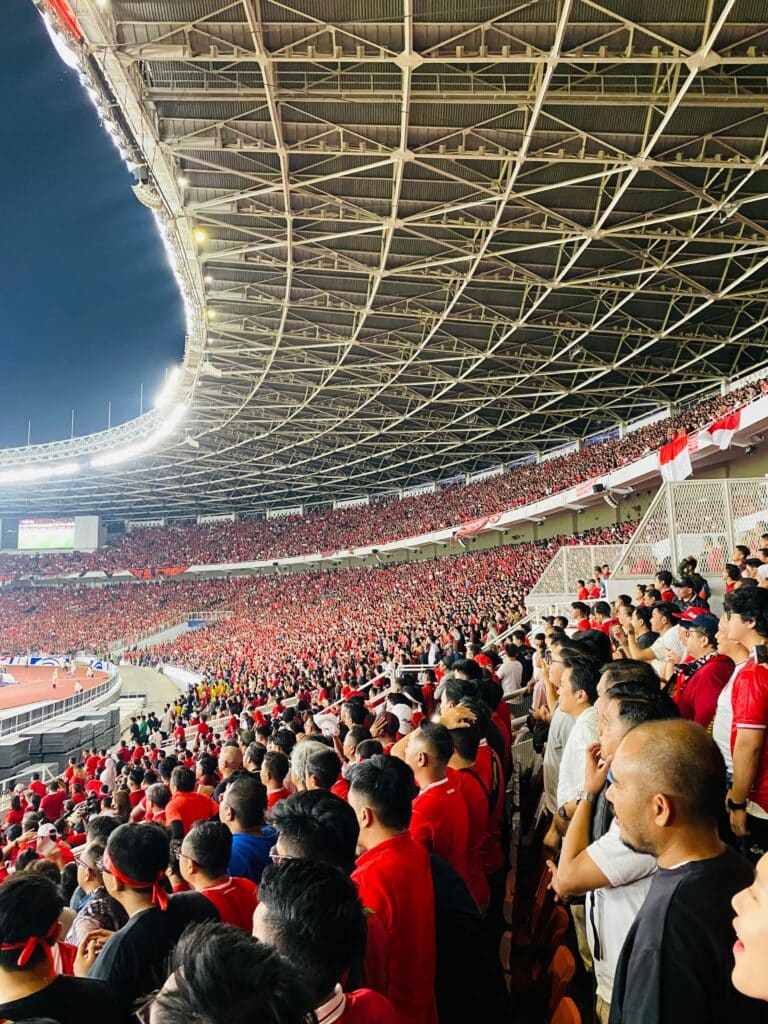
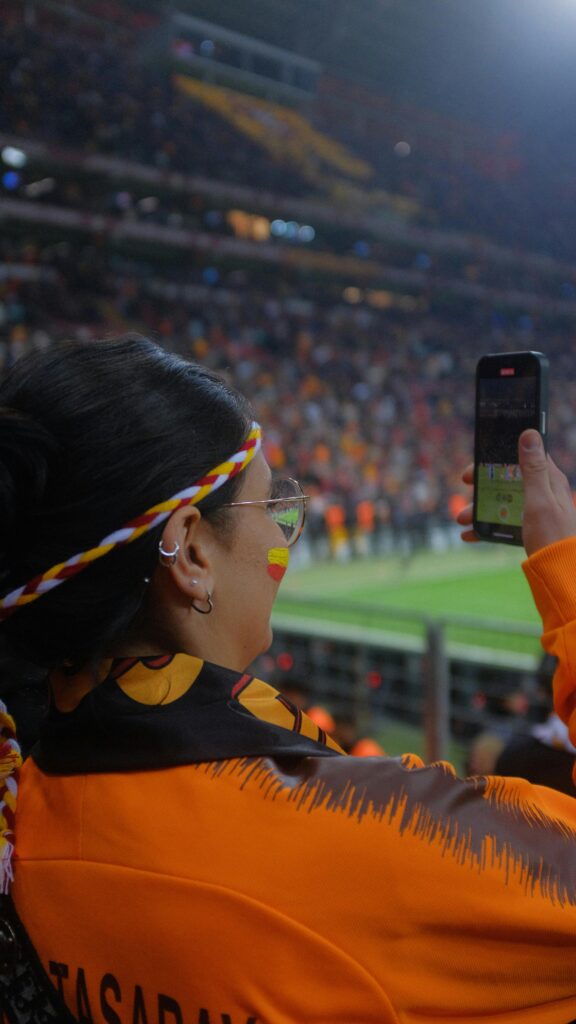
Stadium congestion. When 80,000 fans attempt to upload videos, run navigation, and stream highlights at the same time inside a stadium, networks slow dramatically. eSIM providers that use priority tier-1 network access — AT&T or T-Mobile in the US, Rogers in Canada, Telcel in Mexico — perform significantly better under this kind of load than providers routing traffic through secondary networks.
Both factors should shape your provider choice, not just price per GB.
The 16 World Cup 2026 Host Cities at a Glance
Understanding which country your matches are in determines whether you need a single-country or multi-country plan.
United States (11 cities): New York/New Jersey, Los Angeles, Dallas, Atlanta, Miami, Houston, Philadelphia, San Francisco Bay Area, Seattle, Kansas City, Boston
Mexico (3 cities): Mexico City (opening match, June 11), Guadalajara, Monterrey
Canada (2 cities): Toronto, Vancouver
The opening match is at Estadio Azteca in Mexico City on June 11. The final is at MetLife Stadium in New York/New Jersey on July 19. Fans following the full tournament are likely to visit matches in at least two different countries — which makes a regional plan the safer default choice.



Our Top Picks at a Glance
| Provider | Best for | Countries | Data | Price (approx.) |
|---|---|---|---|---|
| Airalo | Multi-country coverage | USA + Canada + Mexico | 10–20 GB | $23–37 |
| Holafly | Unlimited data | USA (+ regional option) | Unlimited | $45–60 |
| Saily | Best value per GB | USA + Canada + Mexico | 10–20 GB | $22–37 |
| ByteSIM | Stadium performance | USA + Canada + Mexico | Unlimited US/MX + 25 GB CA | $29–35 |
Prices verified April 2026 — check each provider's site before purchasing as plans change.
Best eSIM Providers for World Cup 2026
1. Airalo — Best for Multi-Country Regional Coverage ⭐⭐⭐⭐⭐
Airalo's North America regional plan covers USA, Canada, and Mexico on a single eSIM. No swapping, no reactivation when you cross a border. It runs on T-Mobile infrastructure in the US and Rogers in Canada.
Available plans:
- 10 GB / 30 days: ~$23 — covers the core tournament window
- 20 GB / 30 days: ~$37 — recommended for fans attending multiple matches
Key features:
- Hotspot sharing: ✅ enabled
- 5G support: ✅ in major host cities
- Activation: instant QR code, can be purchased and installed before departure
One thing to note: The tournament runs June 11–July 19 (38 days). A standard 30-day plan slightly under-covers the full window. If you're attending early matches, buy the plan on your first day in a host country. If you're staying for the final week too, a short top-up plan will cover the gap.
Best for: Fans visiting all three countries who want a single reliable setup without thinking about it again.under-covers the full tournament (38 days). Buy the plan on June 11 if you're attending early matches, or purchase a second short plan for the final week.

Covers USA, Canada, and Mexico on a single eSIM. No swapping, no reactivation when you cross a border.
2. Holafly — Best for Unlimited Data ⭐⭐⭐⭐
Holafly's differentiator is unlimited data — no cap, no speed reduction after a threshold. For fans who plan to livestream on the way to stadiums, share large video files, or use their phone heavily throughout the day, unlimited removes the stress of monitoring usage.
Available plans (USA):
- Unlimited / 7 days: ~$27–30
- Unlimited / 15 days: ~$45
- Unlimited / 30 days: ~$55–60
- North America regional: available — check current pricing on their site
Key features:
- Hotspot sharing: ✅ included
- 5G support: ✅
One thing to note: Holafly's unlimited plans are per-country by default. Their North America regional plan is available, but pricing and availability can change — always verify at purchase that your plan covers all three host countries before completing checkout.
Best for: Heavy users who stream match highlights, share content continuously, or simply don't want to think about data limits at all.ost countries, or whether you need separate plans for Mexico and Canada legs.

Holafly's unlimited plans are per-country, not always packaged as a single three-country regional plan.
3. Saily — Best Value Per GB3. Saily — Best Value Per GB ⭐⭐⭐⭐
Saily (from the makers of NordVPN) offers some of the most competitive per-GB pricing in the market, narrowly undercutting Airalo on most plan tiers.
Available plans:
- 10 GB / 30 days (USA): $22.99
- 20 GB / 30 days (USA): $36.99
- North America regional: available
Key features:
- Saily Ultra subscription: $59.99/month — 30 GB high-speed + unlimited at 1 Mbps in 113 destinations. A strong option if you travel regularly beyond this one trip.
- 5G support: ✅
- Hotspot: ✅
Best for: Budget-conscious fans staying primarily in the USA who want the lowest price per GB without sacrificing coverage quality.

30 GB high-speed + unlimited at 1 Mbps in 113 destinations. Strong option for fans who also travel frequently
4. ByteSIM — Best for Stadium Performance ⭐⭐⭐
ByteSIM's North America plan explicitly prioritises AT&T (USA) and Rogers (Canada) — tier-1 carrier access that provides better throughput under stadium congestion conditions. Their plan includes unlimited data for USA and Mexico, plus 25 GB in Canada, all on a single plan.
Key features:
- Carrier priority: AT&T (USA), Rogers (Canada), Telcel (Mexico)
- 5G support: ✅
- Hotspot: ✅
- Price: approximately $29–35 depending on plan selected
Best for: Fans who prioritise connectivity during matches over the lowest price — particularly relevant at the largest venues. MetLife Stadium holds 82,500 people. Estadio Azteca holds 83,000. At that scale, network priority access makes a real, noticeable difference.

Tier-1 carrier access that provides better throughput under stadium congestion conditions.
Best eSIM for North America World Cup 2026 – Full Comparison Table
| Provider | Countries Covered | Data | Validity | Price (approx) | 5G | Hotspot |
|---|---|---|---|---|---|---|
| Airalo (North America) | USA + Canada + Mexico | 10 GB | 30 days | $23 | ✅ | ✅ |
| Airalo (North America) | USA + Canada + Mexico | 20 GB | 30 days | $37 | ✅ | ✅ |
| Holafly | USA (+ regional option) | Unlimited | 15 days | $45 | ✅ | ✅ |
| Holafly | USA (+ regional option) | Unlimited | 30 days | $60 | ✅ | ✅ |
| Saily (North America) | USA + Canada + Mexico | 10 GB | 30 days | $22.99 | ✅ | ✅ |
| ByteSIM (North America) | USA + Canada + Mexico | Unlimited US/MX + 25GB CA | 30 days | $29–35 | ✅ | ✅ |
Prices are updated at the time of writing (April 3rd, 2026) — verify current plans on each provider's site before purchasing.
How Much Data Do You Actually Need?
A common mistake is underbuying data and running out mid-tournament. Here is what typical World Cup phone usage looks like per match day:
| Activity | Estimated data use |
|---|---|
| Navigation to stadium (30–90 min) | 150–300 MB |
| Photo and video uploads (Instagram/WhatsApp) | 200–600 MB |
| Streaming highlights (YouTube/FIFA app. 10 min) | 300–500 MB |
| General browsing. messaging. social media | 100–200 MB |
| Total per match day | 800 MB – 1.5 GB |
Practical guidelines:
- Attending 4–6 matches on a 10-day trip: 10–15 GB minimum is comfortable
- Attending 8+ matches, or streaming and sharing video regularly: 20 GB or unlimited
- Content creators or fans livestreaming: unlimited is the right call
Heavy usage happens quickly. When you're navigating an unfamiliar city, sharing videos with people back home, and checking match updates simultaneously, data adds up faster than you'd expect.
➡ For a full data calculation guide: How much data do you need at the World Cup 2026?
Before You Buy: 5 Things to Check
1. eSIM compatibility
Check that your phone supports eSIM. Most iPhones from iPhone XS onwards, Samsung Galaxy S20 and later, and Google Pixel 3 and later are compatible. If you're not sure, check under Settings — the exact path varies by device.
2. Device unlocking
Your phone must be unlocked from your home carrier. On iOS, go to Settings → General → About → Carrier Lock. If it says “No SIM restrictions,” you're fine. If not, contact your carrier before departure.
3. Buy before you travel
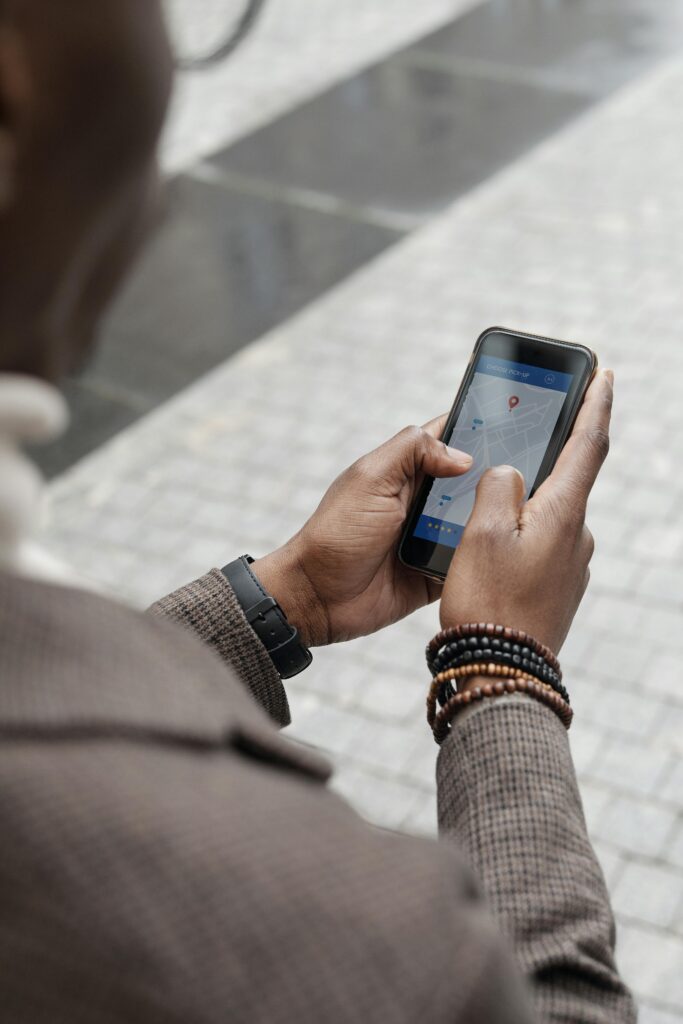
Purchase and install your eSIM at home on a stable Wi-Fi connection. Doing this in an airport or on arrival wastes time and adds unnecessary stress. The install process takes under 3 minutes.
4. Plan timing
The tournament runs June 11–July 19 (38 days total). A standard 30-day plan covers most of this. Activate on your first day in a host country to maximise validity. If you're attending both early matches and the final, plan for a short top-up plan in the final week.
5. Keep your home SIM active for calls
Most travel eSIMs are data-only. Keep your home SIM inserted and active — it will continue to receive calls and texts. Set the new eSIM as your default data line in settings. This way you get cheap data without losing your number.
Which eSIM Should You Buy? Quick Decision Guide
Attending matches in all 3 countries → Airalo or ByteSIM North America regional plan
A single plan, no border complications, covers the full tournament geography.
Staying in the USA only → Saily 20 GB / 30 days
Best price per GB for US-only travel.
Heavy data user / streaming everything → Holafly Unlimited
No data cap, no monitoring. Especially useful if you're sharing content or video continuously.
Prioritising stadium connectivity → ByteSIM
Tier-1 network priority via AT&T and Rogers makes a real difference when 80,000 people are competing for bandwidth at the same time.
Setting Up Your World Cup eSIM: Step-by-Step
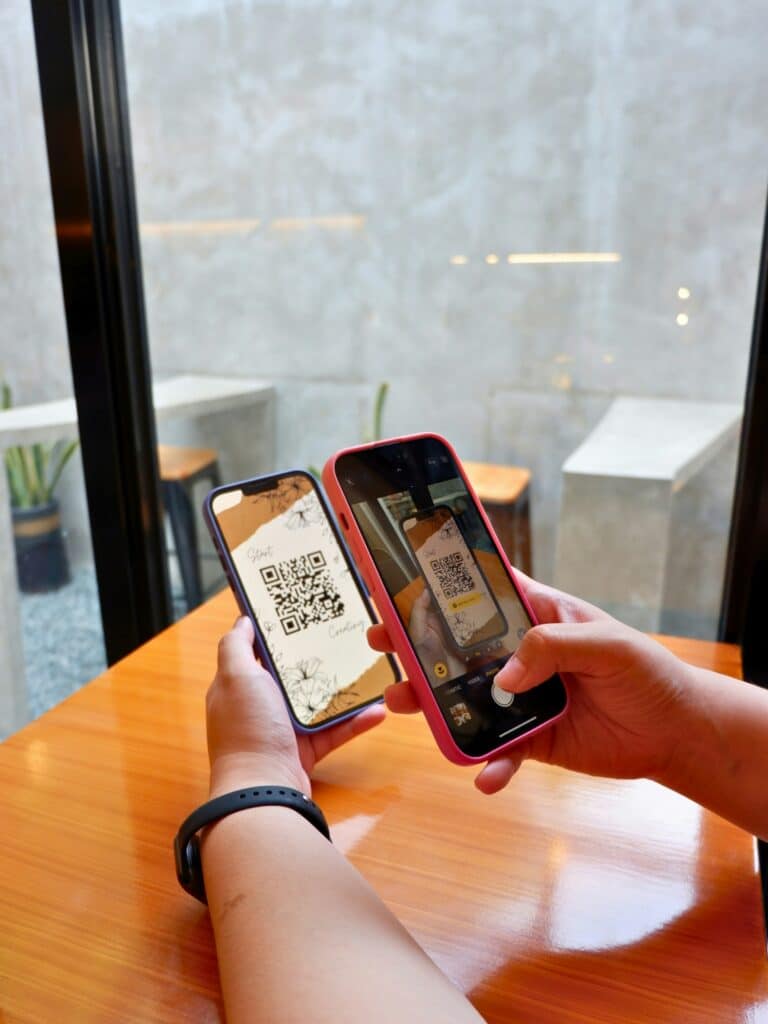
- Purchase your chosen plan — you'll receive a QR code by email
- Open phone Settings → Cellular (iOS) or Network & Internet (Android) → Add eSIM
- Scan the QR code — the plan installs automatically
- Set data line: In Cellular settings, set the new eSIM as your primary data line
- Turn off roaming on your home SIM to prevent accidental charges
- Test before you travel: Turn on airplane mode, then turn it off with only the eSIM active to confirm it connects
The whole process takes under 3 minutes. Do it at home the week before you fly, not at the airport.
Frequently Asked Questions
Can I use one eSIM for USA, Canada, and Mexico at the World Cup?
Yes. Airalo, Saily, and ByteSIM all offer North America regional plans that cover all three host countries on a single plan. You don't need to swap or buy new plans when crossing borders. Holafly also offers a regional option, but their default plans are per country — confirm at purchase.
Will eSIMs work inside stadiums at the World Cup?
Yes, but performance varies. Stadium congestion from tens of thousands of simultaneous users slows most networks significantly. eSIMs that run on tier-1 carriers — AT&T and T-Mobile in the US, Rogers in Canada — tend to perform better under heavy load than those using secondary networks. ByteSIM explicitly routes through AT&T and Rogers for priority access, which is why we recommend it specifically for match day use.
How long before the World Cup should I buy my eSIM?
You can purchase anytime. Most providers allow instant purchase and QR code delivery by email. Do not activate the plan until your first day in a host country, as validity starts on activation. Install it at home on Wi-Fi so you're ready the moment you land.
What if I run out of data during the tournament?
All major providers allow top-ups during an active plan. Airalo and Saily both support additional data purchases through their apps. ByteSIM also allows data add-ons. If you're on Holafly's unlimited plan, running out isn't an issue.
Do I need a physical SIM for Mexico if I have a North America eSIM?
No. A North America regional eSIM covers Mexico via Telcel infrastructure. You do not need a separate plan or SIM card for the Mexico leg of your trip.
My phone is newer, will it definitely support eSIM?
Most smartphones released in 2020 or later support eSIM. This includes iPhones from XS onwards, Samsung Galaxy from S20 onwards, and Google Pixel from Pixel 3 onwards. The safest way to check is to go to Settings and look for an “Add eSIM” or “Add Mobile Plan” option. If the option exists, your phone supports it.
Can I keep my normal phone number while using a travel eSIM?
Yes. Keep your home SIM inserted, it will continue to receive calls and texts on your usual number. Set the travel eSIM as your default data line. This is the standard setup for dual SIM use, and it works on all compatible devices.
Is it safe to buy an eSIM online?
Yes, provided you buy directly from a provider's official website or their official app. Airalo, Holafly, Saily, and ByteSIM are all established providers with large customer bases. Avoid buying eSIM codes through third-party marketplaces or resellers, you have no guarantee the code hasn't been used.
Final Thoughts
The World Cup 2026 is a once-in-a-generation tournament — 48 teams, 16 host cities, three countries, and 38 days of football. The last thing you want is an expensive roaming bill, a dead connection when you need navigation most, or a blank screen when you're trying to upload the moment you just witnessed.
A North America regional eSIM removes all of that. The setup takes less than 3 minutes, the cost is a fraction of what your home carrier would charge, and once it's installed you don't have to think about it again. For most fans, Airalo is the straightforward choice for a World Cup 2026 eSIM — solid coverage, simple setup, fair price. If performance at packed stadiums matters more to you, ByteSIM is worth the small price difference.
One practical reminder: activate your plan on your first day in a host country, not before. Validity starts on activation, and you want those 30 days to count.
- Best eSIM for USA → Deep dive on US-specific plans and network coverage
- Best eSIM for Canada → Toronto and Vancouver network guide
- Best eSIM for Mexico → Mexico City, Guadalajara, Monterrey coverage
- World Cup 2026 Travel Guide → Full pillar: visas, transport, packing, and more
- How much data do you need at the World Cup? → Full data consumption breakdown
- Best apps for the World Cup → FIFA Official App, navigation, translation, and more
Add your first comment to this post